 IMG to PDF
 Word to PDF
 Excel to PDF
 JPG to PDF
 PNG to PDF
 Text to PDF
 PPT to PDF
 PDF to Image
 PDF to Word
 PDF to Excel
 PDF to JPG
 PDF to PNG
 PDF to Text
 PDF to PPT
 Word to JPG
 Word to PNG
 IMG to Word
 IMG to PPT
 IMG to Excel
 IMG to Text
 Merge PDF
 Split PDF
 Organize PDF
 OCR PDF
 Delete Page
 Add Page To PDF
 Compress PDF
 PDF Form Filler
 Fill Out PDF
 Create Fillable PDF
 Edit PDF
 Crop PDF
 Sign PDF
 Rotate PDF
 Add Watermark
 Add Number page
 Protect PDF
 Unlock PDF
 Redact PDF
 PDF To PDF/A
 PDF Translator
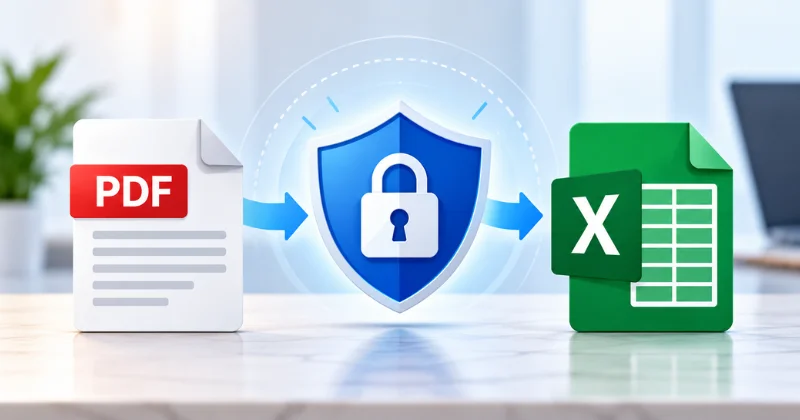
Yes, converting a PDF to Excel can be safe. However, safety depends entirely on how the converter handles your file. A PDF may contain personal, financial, business, or confidential information. When you use a server-based online converter, your file leaves your device and reaches a remote server.
You also need to know how your file is transferred, processed, stored, and deleted. This guide explains the main risks and shows how to evaluate any PDF to Excel converter before uploading a file.
Is PDF to Excel Conversion Safe?
Yes, PDF to Excel conversion can be safe. The key is how the converter handles your file. Check its security practices, data-use policy, file retention period, and deletion process before uploading any sensitive document.
What Actually Happens to Your File When You Convert It Online
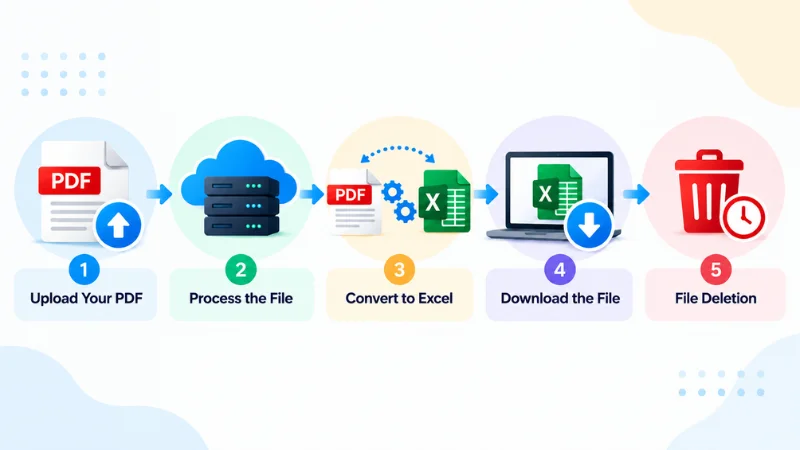
An online PDF to Excel converter usually uploads your file to a processing system. The system converts the PDF into an Excel file, which you then download. The key question is what happens to your file during and after conversion. Check how it is transferred, processed, stored, accessed, and deleted.
The Typical Upload → Process → Output → Delete Flow
Most online converters follow this path:
Upload → Process → Convert → Download → Delete
The final “Delete” step is not automatic on every service. Some platforms remove files within minutes or hours. Others keep them for days or longer. A few do not clearly state any retention period at all.
Never assume your PDF disappears the moment conversion finishes. If the site does not publish a clear retention and deletion policy, treat that as a red flag for confidential material.
Server-Side vs. Client-Side Processing
PDF converters process files in two fundamentally different ways.
Server-side processing is the most common approach. Your PDF is uploaded to a remote server. The server performs the conversion (including any OCR if needed) and returns the Excel file. This method can handle complex or large documents that would be slow or impossible to process entirely in a browser.
Client-side (browser-based) processing keeps the conversion inside your browser or on your local device. The original file may never leave your computer. This reduces the amount of data sent to external servers and can be preferable for privacy-sensitive work.
Neither approach is automatically safe or unsafe. Server-side tools can be secure if they use strong encryption, short retention windows, and clear data-handling rules. Client-side tools can still collect analytics, use third-party libraries, or send metadata. Always verify the actual behavior rather than relying on the label “online” or “local.”
The Real Risks of Free or Unverified PDF to Excel Converters
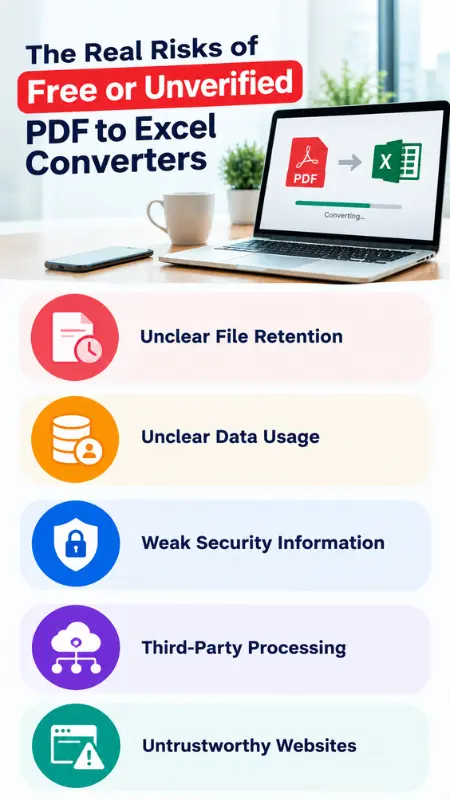
The biggest risk is not the Excel conversion itself. The bigger concern is how an unknown service handles your uploaded information. A PDF can contain much more than tables. It may include names, addresses, account numbers, contracts, medical details, or internal business data. Uploading such files to an unknown website can create additional privacy concerns.
Unclear File Retention
Some converters keep uploaded files longer than users expect. If the website never states when files are deleted, you have no reliable way to know how long your data remains accessible on their systems. Prefer services that publish an explicit retention window.
Unclear Data Usage
Some services may say they process uploaded files automatically. However, this may not explain how they use the data. Look for clear information about data usage. Check whether uploaded content is used for analytics, service improvement, AI model training, or other purposes.
Weak Security Information
A trustworthy service should provide clear information about data protection. Look for details about encryption, access controls, storage, and file deletion. Be cautious when a service makes broad security claims without explaining them.
Third-Party Processing
Many tools rely on cloud infrastructure or specialized processing providers. This is not inherently unsafe, but the privacy policy should disclose relevant third parties and the purposes for which data is shared. Lack of transparency here reduces accountability.
Fake or Untrustworthy Websites
A polished interface does not guarantee legitimacy. Before uploading confidential files, check the company information, contact details, privacy policy, and terms of service. Be extra cautious with free tools that provide little information about the company behind them.
How to Check if a PDF to Excel Converter Is Safe
You do not need to take any converter’s marketing claims at face value. Use the following checklist to evaluate any tool, including the one on this site.
1. Confirm HTTPS
Make sure the converter uses HTTPS. You can usually see a padlock icon in your browser’s address bar. HTTPS helps protect data while it moves between your device and the website.
2. Read the File Retention and Deletion Policy
Locate a clear statement about how long uploaded files are kept and when they are deleted. Prefer services that delete files automatically after a short, published period. Avoid tools that are silent on this point.
3. Review Privacy and Data-Use Statements
Look for clear information about GDPR, CCPA, SOC 2, or other relevant privacy and security practices. Do not assume that mentioning a standard means the service is fully compliant or secure.
4. Determine Where Processing Occurs
Find out whether conversion happens on a remote server or inside the browser. Server-side processing is common when retention is short, and security controls are documented. Local or browser-based processing can further reduce exposure for highly sensitive files.
You can apply this checklist to any converter, including our PDF to Excel converter. Always verify the current policies on the site itself rather than relying on older articles or third-party claims.
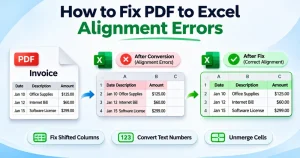
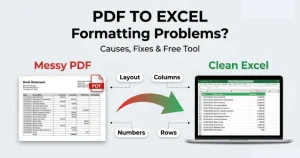
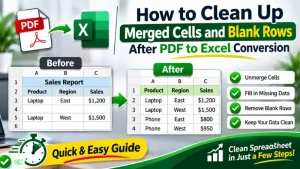
Even after a safe conversion, the Excel file may still have formatting issues such as misaligned columns or broken numbers. If that happens, you can read our guide on how to fix PDF to Excel formatting problems.
Online vs. Desktop vs. Browser-Based Converters: Which Is Safer?
PDF to Excel converters can process files in different ways. Some upload files to a server. Others process files directly on your computer or browser. Each option has different privacy and convenience trade-offs.
| Converter Type | Convenience | Security & Best Use |
| Online/Cloud | Very easy; no installation required | Files go to a server. Useful for quick conversions. |
| Desktop/Offline | Requires software installation | Files can stay on your device. Useful for sensitive files. |
| Browser/Client-Side | Easy; no separate install | Files may stay in your browser. Good for private files if processed locally. |
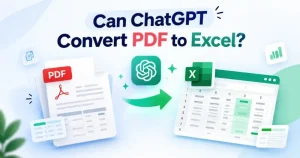
Some people also try AI tools as an alternative. If you’re considering that route, check out what ChatGPT can and can’t do with PDF to Excel conversion.
No category is universally safer. The decisive factors are where the file is processed, whether it is stored, how long it is retained, and what the published policies actually say. Always verify those points for the specific tool you plan to use.
Is It Safe to Convert Sensitive Documents (Bank Statements, Medical Records, Contracts)?
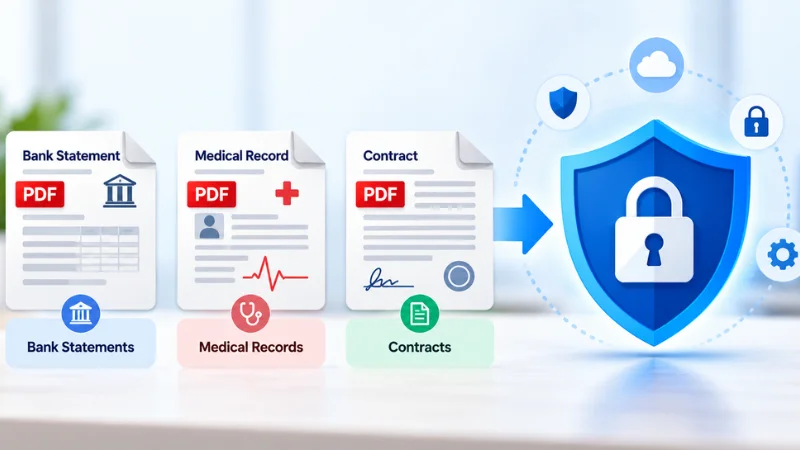
Converting sensitive documents needs extra care. Bank statements, medical records, and contracts may contain private information. Before uploading them, check how the converter protects, stores, and deletes your files.
Bank Statements and Financial Records
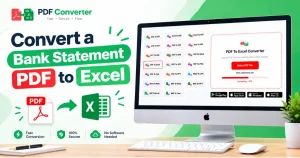
Bank statements and financial records often contain account numbers, balances, and transaction details. Avoid unknown free converters. Prefer tools with explicit, short retention periods and clear statements that files are not used for secondary purposes. You can also learn how to convert a bank statement PDF to Excel without software if you prefer more control over the process.
Medical Records and Health Information
Health data is highly regulated. In the United States, HIPAA may apply to covered entities and their business associates. Even when HIPAA does not directly apply to a consumer tool, treating medical PDFs with maximum care is prudent. Consider desktop or verified local processing when possible.
Contracts and Legal Or Business Documents
Confidential agreements, NDAs, and internal reports can create legal or competitive risk if leaked. Use only converters whose policies you have reviewed and that provide identifiable company information.
CCPA and Other Privacy Laws
If the document contains personal information of California residents (or residents of other jurisdictions with strong privacy laws), confirm how the service collects, uses, retains, and deletes that data.
General rule: If the document is highly sensitive, use a trusted tool with clear data-handling policies.
Frequently Asked Questions
Do Online PDF to Excel Converters Store My Files?
Some store files only temporarily; others retain them longer. Always check the service’s published retention and deletion policy before uploading. Prefer tools that state an automatic deletion window.
Is It Safe to Convert Bank Statements or Medical Records to Excel?
It can be safe when the converter has clear, strong data-handling practices and a short retention period. Sensitive documents still warrant extra scrutiny. When in doubt, use a trusted desktop application or a service whose policies you have verified.
What’s Safer: Online Converters or Desktop Software?
Neither is automatically safer. Desktop software keeps files on your computer, which reduces external exposure. Online tools can be secure if they use encryption, short retention, and transparent policies. Evaluate the specific product rather than the category.
Does Converting a PDF to Excel Remove Personal Data or Metadata?
No. Converting a PDF does not automatically remove personal data or metadata. Names, account details, document properties, and other information may remain in the converted file. Review the Excel file before sharing it.
Can I Trust Free Online Converters?
Some free tools are operated by legitimate companies with clear policies. Others are opaque. Apply the checklist above. Free does not equal unsafe, but free also does not equal trustworthy without verification.
What Should I Do If A Site Does Not Publish A Retention Policy?
Treat the absence of a clear retention and deletion statement as a reason to avoid uploading confidential material. Look for an alternative that is transparent on this point.
Final Thoughts
PDF to Excel conversion can be convenient and safe. However, safety depends on how the specific tool handles your files. Before uploading sensitive documents, check its security, retention, data-use, and deletion policies.
For everyday files, a well-documented online converter may be suitable. For sensitive documents, consider desktop or local processing when practical.
You can also try the free PDF to Excel converter. Always review the current privacy and security information before uploading sensitive files. Safety depends on verifiable practices. Check the policies, understand the risks, and choose accordingly.