Your file is ready!
How to Create Fillable PDF?
Upload your PDF, add interactive form fields, and download a professional fillable PDF in just three simple steps.
1Upload Your Document
Select the PDF you want to turn into an interactive form. Drag and drop your file or choose it from your device and upload it.
2Add Fillable Form Fields
Insert text boxes, checkboxes, radio buttons, dropdown menus, signature fields, date fields, and other interactive elements. Arrange and customize each field to match your form.
3Download and Share
Once your form is ready, save and download your fillable PDF. You can share it digitally so others can complete, sign, and submit it without printing.
Easily Convert Popular File Formats to PDF
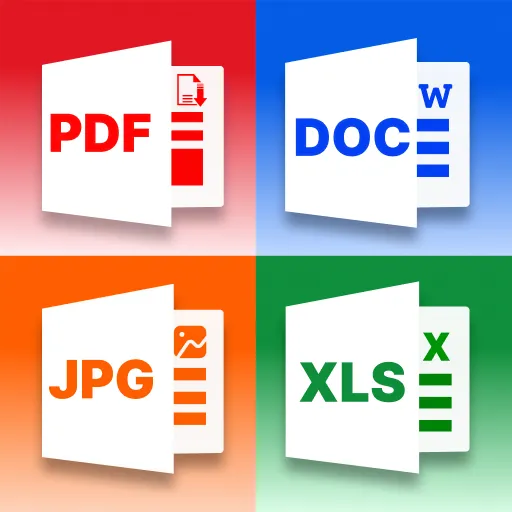
You can easily create PDFs from Microsoft Office files like Word, Excel, PowerPoint, TXT files, and also from image files JPG into PDF while maintaining clear formatting and professional document quality.
Transform PDFs into Popular File Formats
What Makes Our Fillable PDF Creator Different?
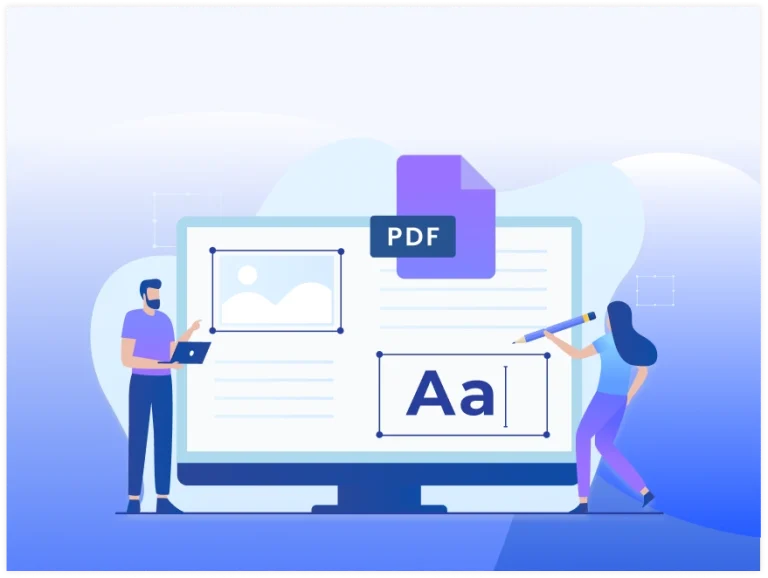
Add Interactive Form Fields
Create text fields, checkboxes, radio buttons, dropdown lists, date pickers, and signature areas to build your fillable form.

Easy Drag-and-Drop Editing
Place, resize, move, and organize form fields with a simple visual editor that makes designing forms fast and intuitive.
Perfect for Business
Create applications, contracts, invoices, surveys, registration forms, questionnaires, and other documents that require users to enter information.

Preserve Your Original Layout
Add fillable fields without changing your PDF's existing text, images, fonts, or formatting to keep its professional appearance.

Works Across Every Device
Create and edit fillable PDFs directly from your browser using a desktop, tablet, or smartphone without downloading additional software.

Encrypted File Processing
Your uploaded documents are encrypted during processing and automatically removed from our servers after the process is done for your privacy.

Real Stories from Our Fillable PDF Users
Marcus Whitfield
Country: New Zealand
I run a small property business and used to email tenants a form they'd have to print, sign, and scan back. Now I just send a fillable PDF and get it back the same day, filled out properly.
Sophie Nielsen
Country: Denmark
I needed an intake form for new clients at my consulting firm. Building it with checkboxes and a signature field took less time than I expected, and clients stopped sending back half-finished paperwork.
Willem de Groot
Country: Netherlands
Our school used paper permission slips for years. I converted the template into a fillable PDF, and parents now fill it out on their phones instead of losing the paper copy.
Isabella Rodríguez
Country: Spain
I organize a small conference every year and used this to build the registration form. Attendees fill it in directly instead of emailing back scattered replies.
Frequently Asked Questions
You can add text boxes for typed answers, checkboxes for selections, dropdown menus for multiple-choice options, and signature fields for a digital sign-off.
No. You can fill it out with any standard PDF viewer, without any special software.
Yes. The layout is locked in when you save the form, so fields appear in the same spot whether it's opened on a phone, tablet, or computer.
Yes. You can place a dedicated signature field anywhere on the form so people can sign directly on the page without printing anything.
There is no limit in our tool. You can add as many text boxes, checkboxes, and other fields as your form needs, across as many pages as the document has.
Expert Advice & Quick Tips
How to Convert Word to PDF on Android for Free
Converting a Word document to PDF on Android is really easy. This guide will show you the ways to do this for free. It will give you step-by-step instructions and some helpful...
How to Convert PDF to Word on Android | Browser Method
It is easy to convert PDF to Word on Android phone, with an app or an online converter. You can do this in a few taps. If you need to edit a...
Why PDF Hyperlinks Stop Working After Conversion | How to Fix It
Hyperlinks make PDF documents more interactive by allowing readers to open websites, email addresses, internal pages, and other resources with a single click. However, after converting a PDF to Microsoft Word or...