Skip to content
0%

How to Fill Out a PDF?

Follow these three simple steps to fill out your PDF form and download the completed document.

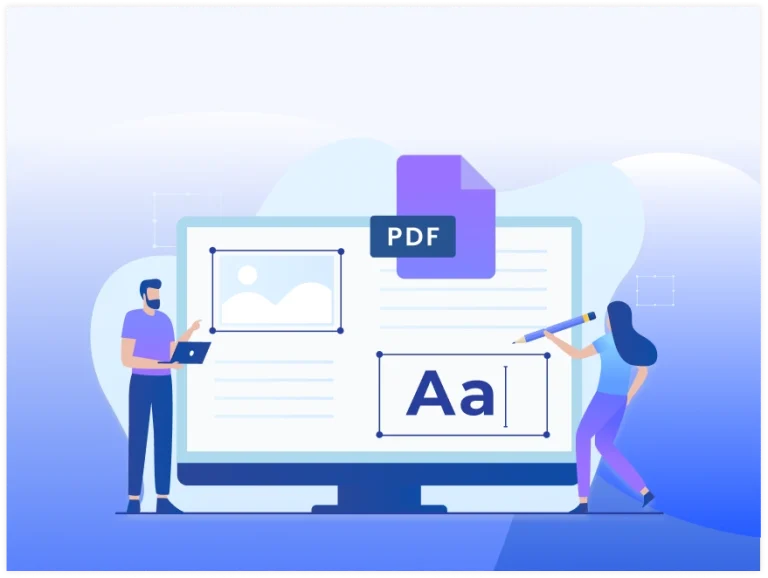
Edit PDF files online by modifying text, images, and document pages.

1Upload Your PDF

Click "Select PDF File" or drag and drop your PDF form into the upload area to get started quickly.

2Fill Out the Form

Enter your information into the required fields, including checkboxes, texts dates, and signatures where needed.

3Download & Save

Review your completed PDF form, save your changes, and download the finished document to your device in seconds.

Fast & Reliable PDF Conversion Tools

Turn your photos, Word files, spreadsheets, slides, or plain text into polished PDFs within seconds. Our smart converter keeps your formatting intact while delivering secure, high-resolution output every time.

Benefits Of Fill Out PDF Tool

Easy Form Filling

Easy Form Filling

Type directly into any PDF form field with just a few clicks now.

Accurate Formatting

Accurate Formatting

Keep every entry aligned neatly within the correct PDF form fields.
Device Compatibility

Device Compatibility

Fill out PDF forms on desktop, tablet, or mobile with ease.

Secure & Private

Secure & Private

Your PDF forms stay secure and private throughout the process.

No Installation

No Installation

Complete PDF forms online with no software installation required.

Instant Download

Instant Download

Download your completed PDF form instantly after finishing it.
Frequently Asked Questions

Yes, if the PDF contains fillable fields, you can click inside each field and enter your information directly. Once completed, save or download the updated PDF form.

Most PDF forms include text boxes, checkboxes, radio buttons, dropdown menus, date fields, and signature fields. You can complete each field based on the form's requirements.

Yes, if your PDF tool supports saving changes, you can save your progress and continue filling out the form later without starting over.

Yes. Your information is placed in the designated form fields, helping keep the document organized and easy to read after saving.

Yes. After completing the form, you can download the PDF and print it just like any standard PDF document for submission or record-keeping.

If a PDF doesn't contain interactive form fields, you may need to use a PDF editor or OCR tool to make it editable before filling it out.

Expert Advice & Quick Tips

How To

How to Convert Word to PDF on Android for Free

Converting a Word document to PDF on Android is really easy. This guide will show you the ways to do this for free. It will give you step-by-step instructions and some helpful...

How To

How to Convert PDF to Word on Android | Browser Method

It is easy to convert PDF to Word on Android phone, with an app or an online converter. You can do this in a few taps. If you need to edit a...

How To

Why PDF Hyperlinks Stop Working After Conversion | How to Fix It

Hyperlinks make PDF documents more interactive by allowing readers to open websites, email addresses, internal pages, and other resources with a single click. However, after converting a PDF to Microsoft Word or...