Skip to content
0%

How to Convert PDF to PDF/A?

Follow these three simple steps to convert your PDF to PDF/A for long-term archiving and document preservation.

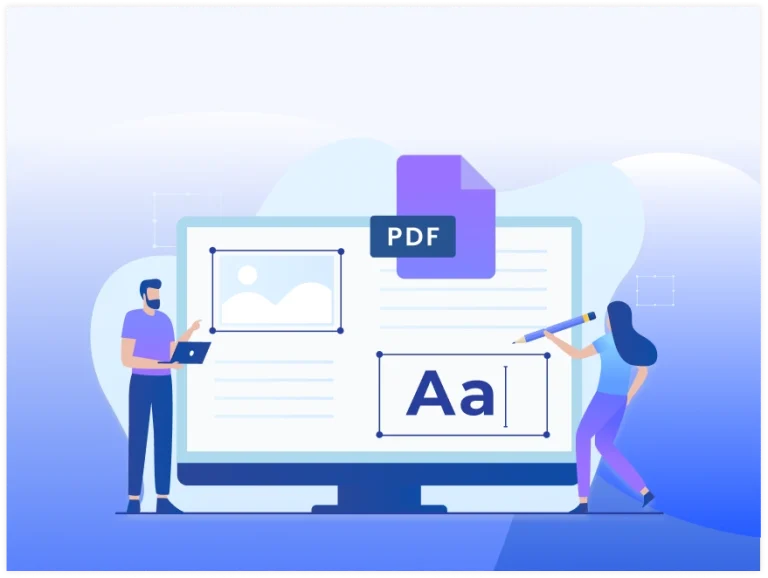
Edit PDF files online by modifying text, images, and document pages.

1Upload Your PDF

Upload your PDF file or drag and drop it into the upload area to begin the PDF to PDF/A conversion process.

2Convert to PDF/A

Convert your PDF into the PDF/A archival format, designed for long-term document storage and future accessibility.

3Download Your PDF/A

Download your converted PDF/A file instantly, ready for secure archiving, compliance, and long-term preservation.

Why Choose Our PDF to PDF/A Converter?

ISO PDF/A Standard

ISO PDF/A Standard

Convert your PDF files into the ISO-standard PDF/A format.

Long-Term Archiving

Long-Term Archiving

Store documents safely for future access and long-term preservation.
Preserve Document Quality

Preserve Document Quality

Keep text, images, and document structure clear after conversion.

Secure & Private

Secure & Private

Your files are encrypted during processing and deleted afterward.
Fast Conversion

Fast Conversion

Convert PDF to PDF/A in seconds with a simple online process.

No Software Required

No Software Required

Use the converter directly from your browser without installation.
Frequently Asked Questions

PDF/A is an ISO-standard version of PDF designed for long-term document preservation. It embeds essential resources, such as fonts, to help ensure documents remain accessible and readable in the future.

Converting a PDF to PDF/A helps preserve documents for long-term storage, legal records, business archives, and compliance requirements. It ensures your files remain more reliable over time.

A standard PDF may rely on external resources, while PDF/A is a self-contained archival format. PDF/A includes everything needed to display the document consistently in the future.

PDF/A is ideal for businesses, government agencies, libraries, schools, legal professionals, and anyone who needs to archive important documents for long-term access.

The converter preserves your document's content while converting it to the PDF/A standard. In some cases, minor adjustments may be required to meet PDF/A compliance requirements.

Yes. Upload your PDF, convert it to the PDF/A format, and download the converted file directly from your browser without installing additional software.

Expert Advice & Quick Tips

How To

How to Convert Word to PDF on Android for Free

Converting a Word document to PDF on Android is really easy. This guide will show you the ways to do this for free. It will give you step-by-step instructions and some helpful...

How To

How to Convert PDF to Word on Android | Browser Method

It is easy to convert PDF to Word on Android phone, with an app or an online converter. You can do this in a few taps. If you need to edit a...

How To

Why PDF Hyperlinks Stop Working After Conversion | How to Fix It

Hyperlinks make PDF documents more interactive by allowing readers to open websites, email addresses, internal pages, and other resources with a single click. However, after converting a PDF to Microsoft Word or...