Skip to content
0%

How To Translate a PDF?

Follow these three simple steps to translate your PDF and download the translated document.

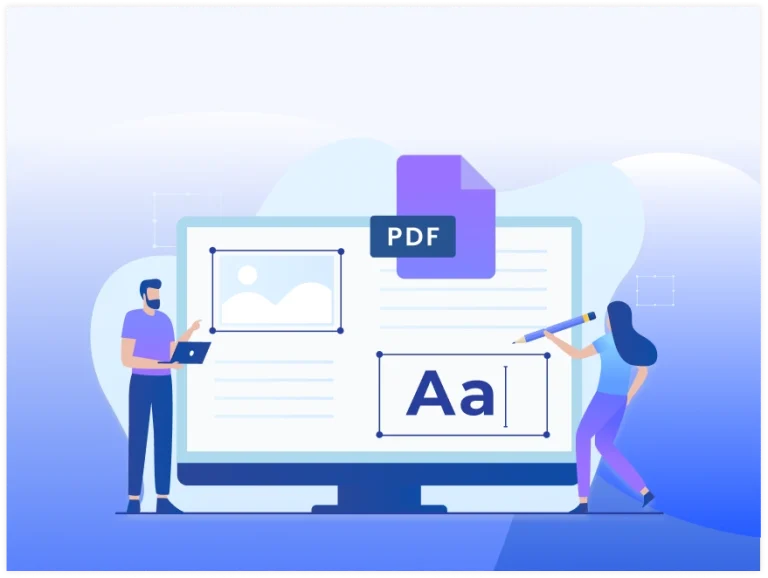
Edit PDF files online by modifying text, images, and document pages.

1Upload Your PDF

Simply drag and drop your PDF or select it from your device. Your file is securely uploaded and prepared for AI-powered translation within seconds.

2Choose a Language

Select the language you want to translate your document into. Our AI supports over 100 languages and provides natural, context-aware translations.

3Download Your PDF

Once the translation is complete, download your translated PDF with its original layout, fonts, images, and formatting preserved.

Simple & Secure PDF Conversion Tools

Have a Word, Excel, PowerPoint, or image file instead? Turn it into a secure, high-quality PDF document in just a few clicks, keeping your formatting exactly the same, ready to share right away today.

Benefits of Our PDF Translator

Instant Translations

Instant Translations

Translate PDF documents into your preferred language in seconds.

Preserved Formatting

Preserved Formatting

Keep your PDF layout, text, and structure as clear as possible.
Many Languages Ready

Many Languages Ready

Translate PDF files into many popular languages with AI support.

Kept Private & Secure

Kept Private & Secure

Your uploaded PDF files stay secure during the translation process.

No Software Required

No Software Required

Translate PDF files online without installing extra software first.

Quick File Downloads

Quick File Downloads

Download your translated PDF file instantly after processing ends.
Frequently Asked Questions

Upload your PDF, choose the language you want to translate it into, and start the translation process. Once it's complete, review the translated document and download it to your device.

Yes. A PDF translator supports multiple languages, allowing you to translate documents for work, study, travel, or personal use with just a few clicks.

Many PDF translation tools preserve the original layout as much as possible. However, the final appearance may vary depending on the document's formatting and language.

If your PDF contains selectable text, it can usually be translated directly. Scanned PDFs may first require OCR (Optical Character Recognition) before translation is possible.

Yes. Your PDF files are processed securely during translation and are automatically removed after processing to help protect your privacy.

A PDF translator is useful for students, professionals, researchers, businesses, and anyone who needs to understand or share documents in another language quickly and accurately.

Expert Advice & Quick Tips

How To

How to Convert Word to PDF on Android for Free

Converting a Word document to PDF on Android is really easy. This guide will show you the ways to do this for free. It will give you step-by-step instructions and some helpful...

How To

How to Convert PDF to Word on Android | Browser Method

It is easy to convert PDF to Word on Android phone, with an app or an online converter. You can do this in a few taps. If you need to edit a...

How To

Why PDF Hyperlinks Stop Working After Conversion | How to Fix It

Hyperlinks make PDF documents more interactive by allowing readers to open websites, email addresses, internal pages, and other resources with a single click. However, after converting a PDF to Microsoft Word or...