 IMG to PDF
  Word to PDF
  Excel to PDF
  JPG to PDF
  PNG to PDF
  Text to PDF
  PPT to PDF
  PDF to Image
  PDF to Word
  PDF to Excel
  PDF to JPG
  PDF to PNG
  PDF to Text
  PDF to PPT
  Word to JPG
  Word to PNG
  IMG to Word
  IMG to PPT
  IMG to Excel
  IMG to Text
  Merge PDF
  Split PDF
  Organize PDF
  OCR PDF
  Delete Page
  Add Page To PDF
  Compress PDF
  PDF Form Filler
  Fill Out PDF
  Create Fillable PDF
  Edit PDF
  Crop PDF
  Sign PDF
  Rotate PDF
  Add Watermark
  Add Number page
  Protect PDF
  Unlock PDF
  Redact PDF
  PDF To PDF/A
  PDF Translator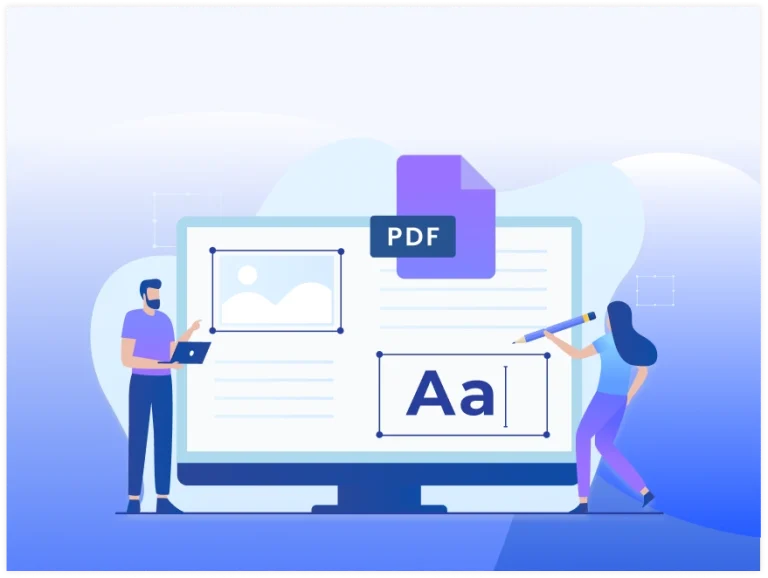













Easy Organization
Organize your PDF pages quickly with a simple and intuitive layout.

Drag & Drop
Drag and drop PDF pages to reorder them exactly as you need.

Page Management
Add, move, rotate, or delete PDF pages with complete control.

Original Layout
Keep your PDF layout and formatting unchanged after organizing.

Secure & Private
Your PDF files are processed securely and deleted after use here.

Instant Download
Download your organized PDF instantly after saving your changes.