 IMG to PDF
  Word to PDF
  Excel to PDF
  JPG to PDF
  PNG to PDF
  Text to PDF
  PPT to PDF
  PDF to Image
  PDF to Word
  PDF to Excel
  PDF to JPG
  PDF to PNG
  PDF to Text
  PDF to PPT
  Word to JPG
  Word to PNG
  IMG to Word
  IMG to PPT
  IMG to Excel
  IMG to Text
  Merge PDF
  Split PDF
  Organize PDF
  OCR PDF
  Delete Page
  Add Page To PDF
  Compress PDF
  PDF Form Filler
  Fill Out PDF
  Create Fillable PDF
  Edit PDF
  Crop PDF
  Sign PDF
  Rotate PDF
  Add Watermark
  Add Number page
  Protect PDF
  Unlock PDF
  Redact PDF
  PDF To PDF/A
  PDF Translator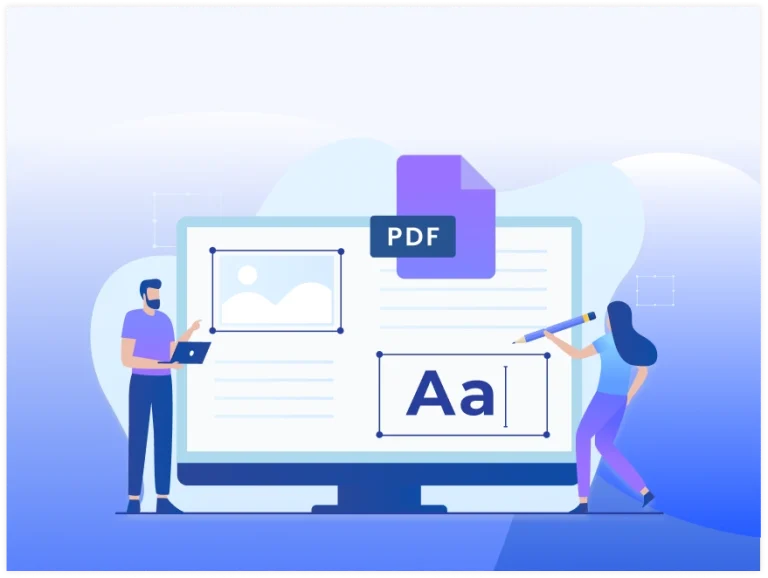


Add Interactive Form Fields
Create text fields, checkboxes, radio buttons, dropdown lists, date pickers, and signature areas to build your fillable form.

Easy Drag-and-Drop Editing
Place, resize, move, and organize form fields with a simple visual editor that makes designing forms fast and intuitive.

Perfect for Business
Create applications, contracts, invoices, surveys, registration forms, questionnaires, and other documents that require users to enter information.

Preserve Your Original Layout
Add fillable fields without changing your PDF's existing text, images, fonts, or formatting to keep its professional appearance.

Works Across Every Device
Create and edit fillable PDFs directly from your browser using a desktop, tablet, or smartphone without downloading additional software.

Encrypted File Processing
Your uploaded documents are encrypted during processing and automatically removed from our servers after the process is done for your privacy.